UI Motion: The Design Skill That Makes Interfaces Feel Alive
📌 Table of Contents
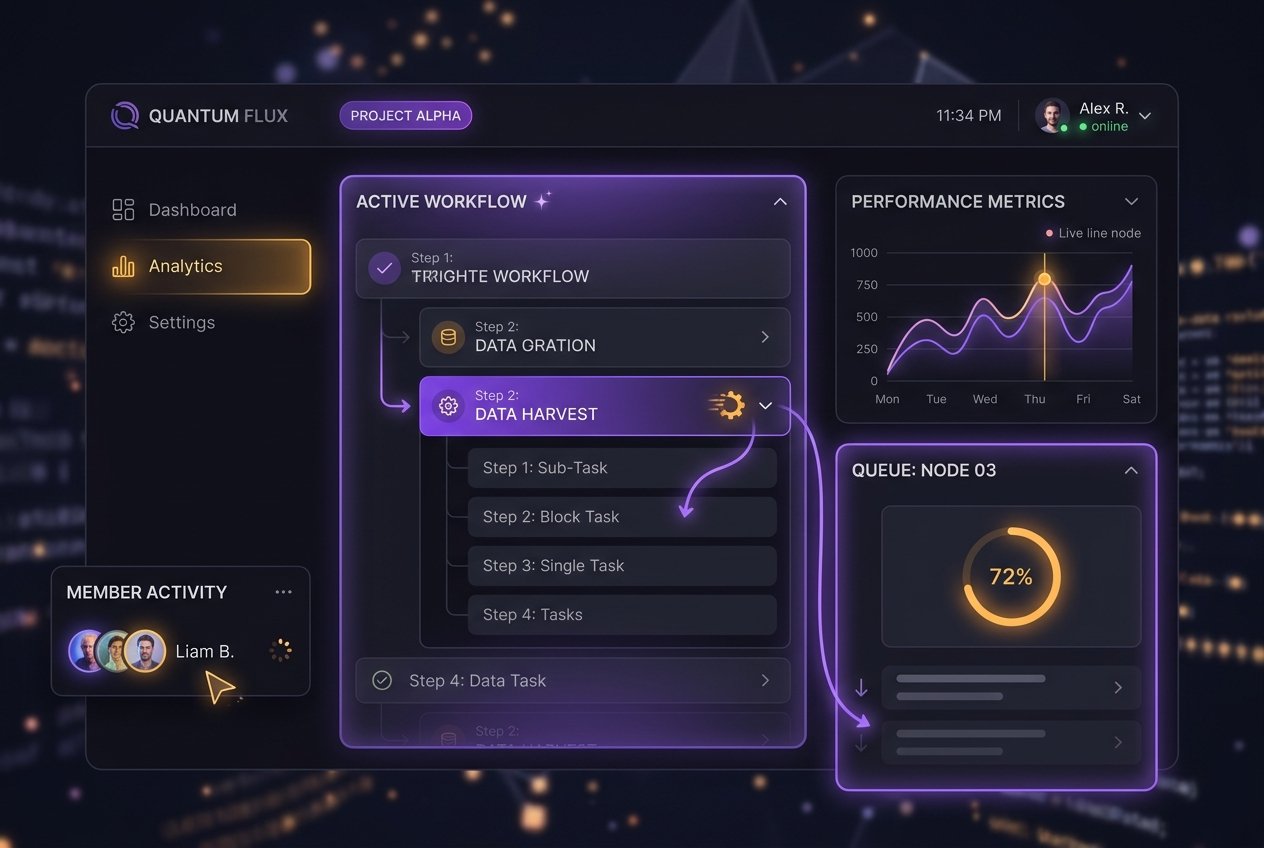
UI motion — the animations that guide a button press, a screen transition, a loading state — is often treated as decoration by beginner designers, but experienced product teams know it's functional design, not decoration. Well-executed motion communicates system status, guides attention, and makes an interface feel responsive and trustworthy; poorly executed motion makes even a well-designed app feel cheap or confusing.
Motion as communication, not decoration
Every UI animation should answer a functional question for the user: Where did this element come from? Where is it going? What just happened? A screen that slides in from the right communicates "you moved forward"; a modal that scales up from its trigger button shows the user exactly where it originated, reducing the disorientation of new content suddenly appearing. Motion that doesn't answer one of these questions is usually motion that shouldn't exist — a principle experienced UI designers apply ruthlessly, since excessive animation slows perceived performance and annoys frequent users.
Timing and easing matter more than the animation itself
Two animations moving the exact same distance can feel completely different depending on their easing curve — a linear movement feels robotic and unnatural, while a well-chosen ease-out curve (fast start, slow finish) feels responsive and physical, mimicking how real objects move. Most professional UI motion design uses duration in the 150-400ms range for most interactions — long enough to be perceived smoothly, short enough not to feel sluggish on repeated use. Understanding these principles is transferable from broader animation timing knowledge, which is part of why animation-trained designers often have an edge in UI motion work.
Tools of the trade
Figma's native prototyping and its growing animation capabilities now let designers build and test motion directly within design files. For more advanced, production-ready motion, tools like Lottie (which exports After Effects animations as lightweight, scalable files usable directly in apps) have become an industry standard, letting motion designers and developers collaborate without motion being rebuilt from scratch in code.
Where this fits in a career
UI motion sits at the intersection of UI/UX and motion graphics, and designers who can genuinely do both are in strong demand — most UI/UX designers can describe what motion they want but can't execute it well, and most motion designers don't understand interaction design principles deeply enough to know what motion actually serves the user. Students who deliberately build both skill sets occupy a real gap in the market.
Building this into a portfolio
Static UI mockups increasingly aren't enough for competitive design portfolios — including a short prototype video or interactive Figma prototype demonstrating thoughtful transitions, micro-interactions, and loading states shows a level of craft that static screens alone can't communicate.