Kinetic Typography: Making Words Move With Purpose
📌 Table of Contents
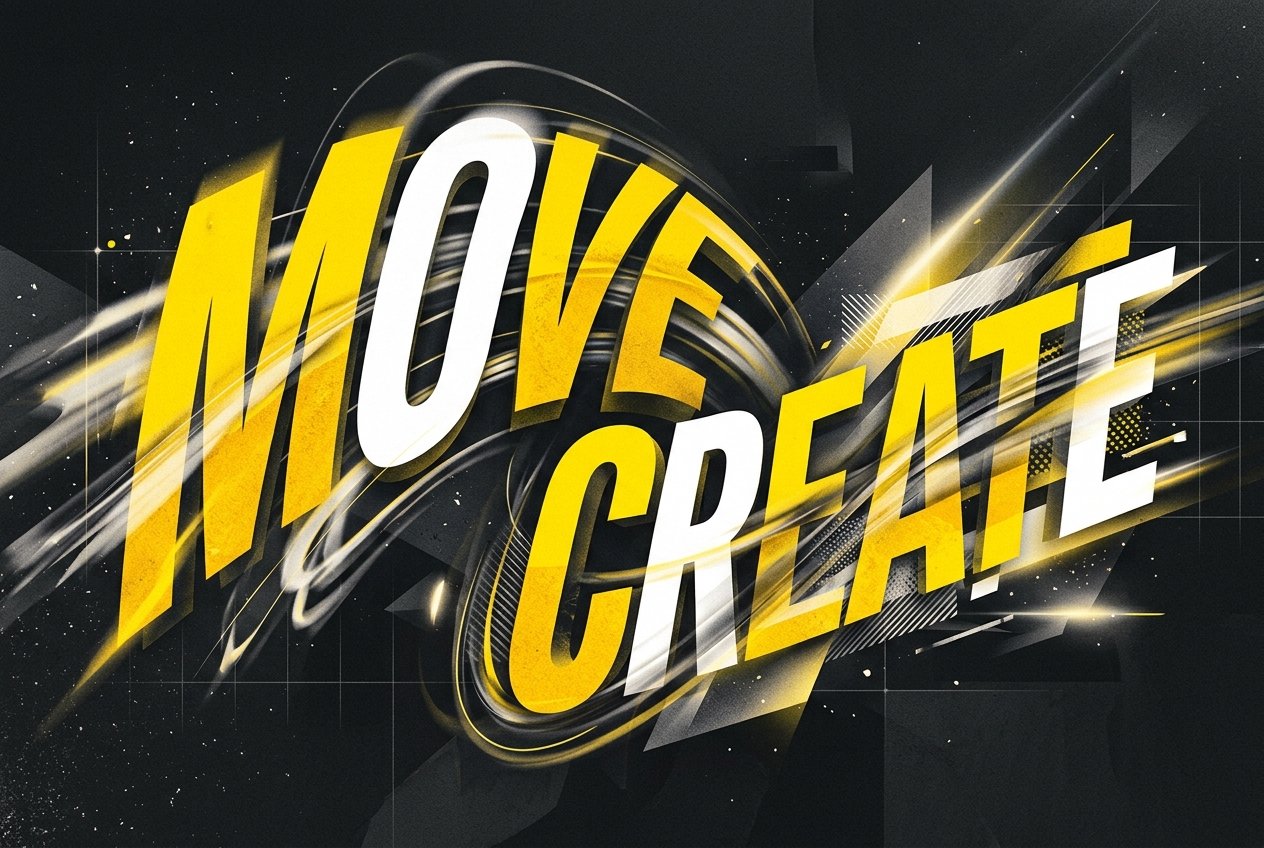
Kinetic typography — text animated to move, transform, and emphasize meaning — is one of the most requested and most misunderstood motion graphics skills. Done well, it turns spoken or written words into a genuinely engaging visual experience; done poorly, it's just text bouncing around a screen with no relationship to what's actually being said.
Typography rules still apply
Before animation enters the picture, kinetic typography lives or dies on the same fundamentals as static typography — hierarchy, kerning, appropriate typeface choice for tone, and legibility. Motion designers who skip strong typographic foundations tend to produce work where the animation is technically impressive but the text itself is genuinely hard to read, especially at the speed most kinetic type moves.
Motion should match meaning
The core skill in kinetic typography is matching motion characteristics to the emotional and rhythmic content of the words. An urgent, fast-paced line of dialogue calls for quick, sharp movement; a slow, contemplative statement calls for gentler, more gradual motion. Word emphasis — making a key word larger, bolder, or timed differently from surrounding text — mirrors how a speaker naturally emphasizes words vocally, and syncing text animation precisely to audio timing (not just approximately) is what separates professional kinetic type from amateur work.
Where it's used commercially
Kinetic typography shows up constantly in social media ads (especially for sound-off viewing, where captions carry the message), explainer videos, lyric videos, title sequences, and increasingly in podcast and interview clip repurposing for platforms like Instagram and YouTube Shorts. Its commercial value has grown specifically because so much video content is now watched without sound, making animated text not just stylistic but functionally necessary for message delivery.
Common tools and techniques
After Effects remains the standard tool, typically using text animator presets combined with custom expressions for precise timing, along with plugins that speed up common kinetic type effects. Increasingly, AI-assisted caption and transcript tools can auto-generate the base timing from an audio track, letting motion designers focus their time on the animation and emphasis choices rather than manual timing entry — a genuine time-saver on caption-heavy social content.
Building portfolio pieces
A strong kinetic typography reel should demonstrate variety — a fast, punchy piece for social media, a slower narrative-driven piece for a title sequence — since clients hire for range within this specialty. Students should prioritize precise audio sync and typographic clarity over flashy effects; agencies reviewing junior reels consistently flag illegible or poorly synced kinetic type as a dealbreaker regardless of how creative the effects look.