ComfyUI for Artists: A Practical Introduction
📌 Table of Contents
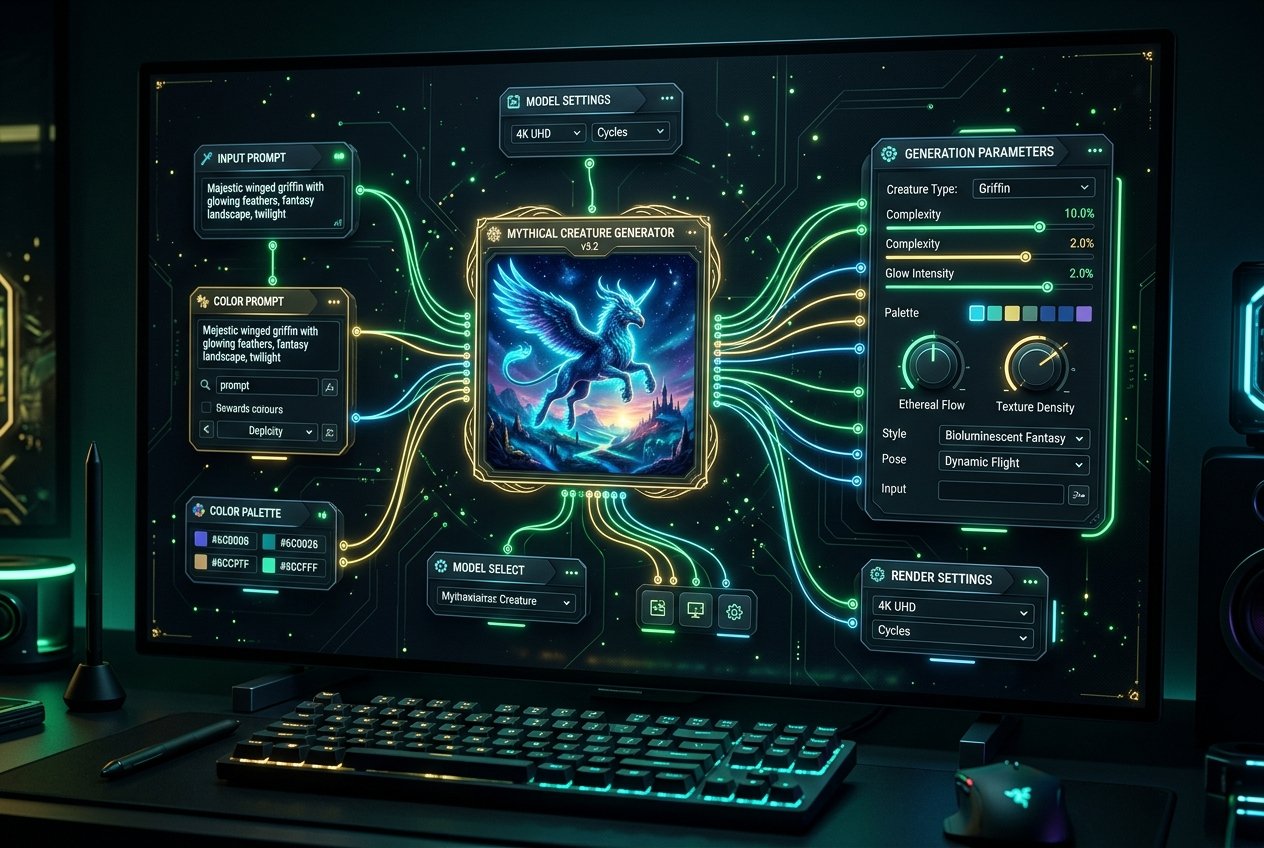
ComfyUI has become one of the most talked-about tools in AI-assisted design and art, but it's also one of the most misunderstood by beginners — it isn't a simple prompt box like many consumer AI image tools; it's a node-based interface that gives artists far more granular control over how AI image generation actually works.
What makes it different
Most consumer AI tools (type a prompt, get an image) hide the underlying generation process entirely. ComfyUI exposes it as a visual node graph — similar in concept to compositing software like Nuke or Fusion — where artists connect individual processing steps (model loading, prompt encoding, sampling, upscaling, inpainting) as separate, adjustable nodes. This makes it significantly more complex to learn than a simple prompt interface, but it gives artists precise, repeatable control over every stage of an image's generation.
Why professional artists prefer this control
A one-line text prompt is genuinely difficult to control for specific creative needs — matching an exact brand color palette, maintaining a consistent character across multiple images, or combining AI generation with traditional compositing techniques. ComfyUI's node-based workflow lets artists build custom pipelines: generating a base image, running it through specific upscaling or style-transfer nodes, combining multiple AI models for different elements, and saving the entire workflow as a reusable template for future projects — much closer to how a professional VFX or design pipeline actually operates.
Where it fits in a design workflow
Graphic designers use ComfyUI-based workflows for rapid concept exploration (generating dozens of visual directions before committing to one), texture and background generation, and increasingly for building custom, brand-specific AI pipelines that consumer tools can't replicate. Because workflows are shareable as files, studios can build and distribute a standardized "house style" AI pipeline across a whole design team — a level of consistency that ad-hoc prompting in consumer tools can't reliably achieve.
The learning curve is real
Unlike Adobe Firefly or similar embedded tools, ComfyUI requires understanding underlying AI concepts (models, samplers, checkpoints, LoRAs) and often runs locally on a capable GPU rather than fully in-browser. This makes it a tool worth learning after building foundational design skills and after getting comfortable with simpler AI tools first, not as a starting point.
For students
ComfyUI is increasingly listed as a preferred skill in design and concept-art job postings, particularly at studios building custom AI pipelines. Learning its node-based logic also transfers conceptually to other node-based tools (compositing, procedural 3D), making it a genuinely useful technical skill beyond just AI image generation specifically.