Adobe Firefly: AI Built Directly Into a Designer's Workflow
📌 Table of Contents
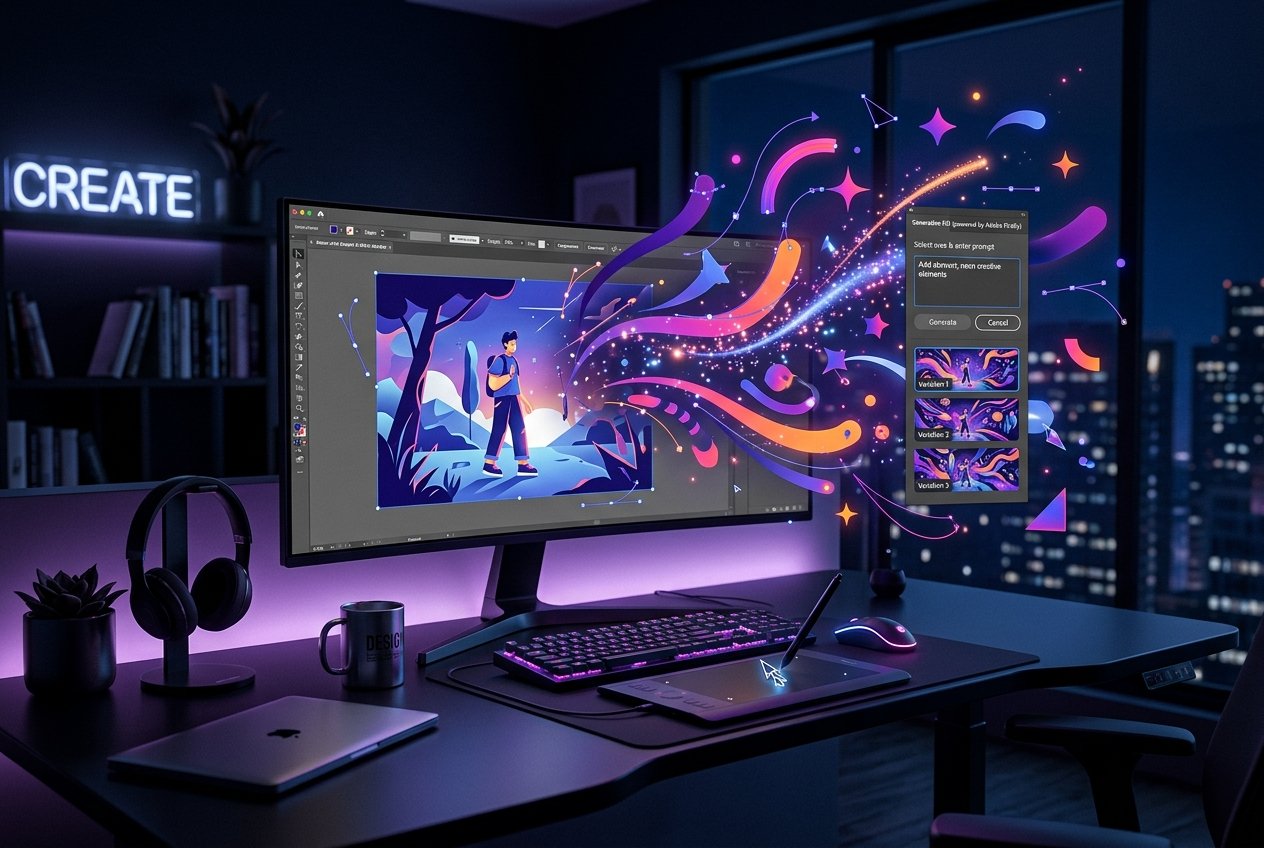
Unlike standalone AI image generators that live outside a design pipeline, Adobe Firefly's biggest advantage is where it lives: directly inside Photoshop, Illustrator, and the rest of the Creative Cloud suite that most graphic designers already work in every day. That integration changes how it actually gets used in professional practice.
Generative Fill and Expand
Firefly's most widely adopted feature inside Photoshop is **Generative Fill** — selecting an area of an existing image and having AI generate new content that blends seamlessly with the surrounding image, whether that's removing an object, extending a background, or adding new elements. **Generative Expand** extends an image's canvas intelligently, letting designers reformat a photo for a different aspect ratio (say, turning a square product shot into a wide banner) without needing new photography. For working designers, this turns tasks that used to require careful manual cloning and compositing into minutes-long adjustments.
Trained for commercial safety
A major differentiator for Firefly compared to some competitors is that Adobe trained it primarily on Adobe Stock images, openly licensed content, and public domain material — positioning it as commercially safer to use for client and brand work, since the licensing and copyright questions around output are clearer than with models trained on unclear or scraped datasets. This matters significantly for design studios and agencies working with corporate clients who need indemnification and clear usage rights.
Text effects and vector generation
Inside Illustrator, Firefly-powered tools can generate vector-based text effects, patterns, and color variations directly within existing vector artwork — meaning designers can stay in a fully vector-editable workflow rather than generating a raster image and manually recreating it as vectors, which used to be standard practice when incorporating AI-generated elements into logo or brand work.
Where it fits versus other AI tools
Firefly is generally weaker at open-ended, highly stylized generation compared to more experimental tools, but stronger at practical, integrated editing tasks that fit directly into existing client work — removing a background object, extending a photo, generating brand-consistent pattern variations. Many working designers use Firefly for these practical, in-workflow tasks while reaching for other tools (Midjourney, Stable Diffusion-based workflows) for more exploratory concept generation.
What students should prioritize
Because Firefly is bundled into Creative Cloud, which most design programs and studios already use, it's typically the lowest-friction AI tool for design students to learn first — the interface is familiar, and the commercial licensing clarity makes it directly relevant to real client work rather than just experimentation.