What Computer Do I Need for Animation, VFX, or Game Design?
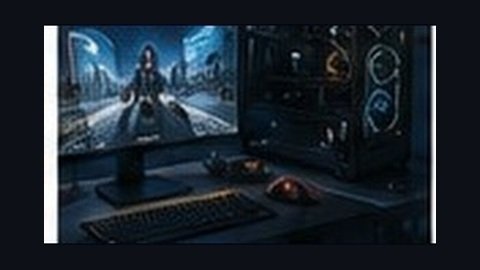
Hardware questions come up early and often — here's realistic, practical guidance rather than an intimidating spec list.
**The honest starting point: you don't need the most expensive setup to begin.** Foundational learning — drawing fundamentals, basic 3D modeling, learning software interfaces — can happen on relatively modest hardware. The most demanding hardware requirements come later, as you work with complex scenes, simulations, and rendering.
**What actually matters most: RAM and GPU.** For 3D work (Blender, Maya), a dedicated graphics card (GPU) with sufficient video memory and adequate RAM (16GB as a practical working minimum, more as your projects grow in complexity) matter more than raw processor speed for most creative software.
**Software-specific considerations.** Houdini's simulation work, as covered in our Houdini careers piece, is particularly demanding on both GPU and RAM for complex effects. Real-time engines like Unreal Engine benefit significantly from a strong dedicated GPU for smooth real-time preview. 2D animation and design software (Photoshop, After Effects) are comparatively less hardware-intensive.
**Rendering doesn't require the most expensive personal hardware.** As covered in our cloud rendering piece, cloud rendering services let students and professionals handle final, hardware-intensive render jobs without needing to own top-tier local hardware — a genuinely practical way to work around budget hardware limitations.
**Laptop vs. desktop.** Desktops generally offer better performance per rupee spent and easier future upgrades, but a well-specced laptop can absolutely handle coursework and portfolio-building if mobility matters for your situation — the choice depends on your specific working circumstances more than a universal recommendation.
**A practical approach for students starting out.** Begin with adequate, mid-range hardware meeting your specific software's minimum practical requirements, and consider cloud rendering for final, resource-intensive output rather than over-investing in top-tier hardware before you've confirmed your specific specialization's specific demands.
**What this means for planning your setup.** Talk to instructors or current students in your specific target specialization before making a major hardware purchase — requirements genuinely differ between, say, 2D animation and Houdini-based FX work.
Nuevopixels provides specific hardware guidance tailored to each program's actual software requirements, helping students invest appropriately rather than over- or under-spending on their setup.
---